 SnipCSS Kiwi
 SnipCSS Result Panel
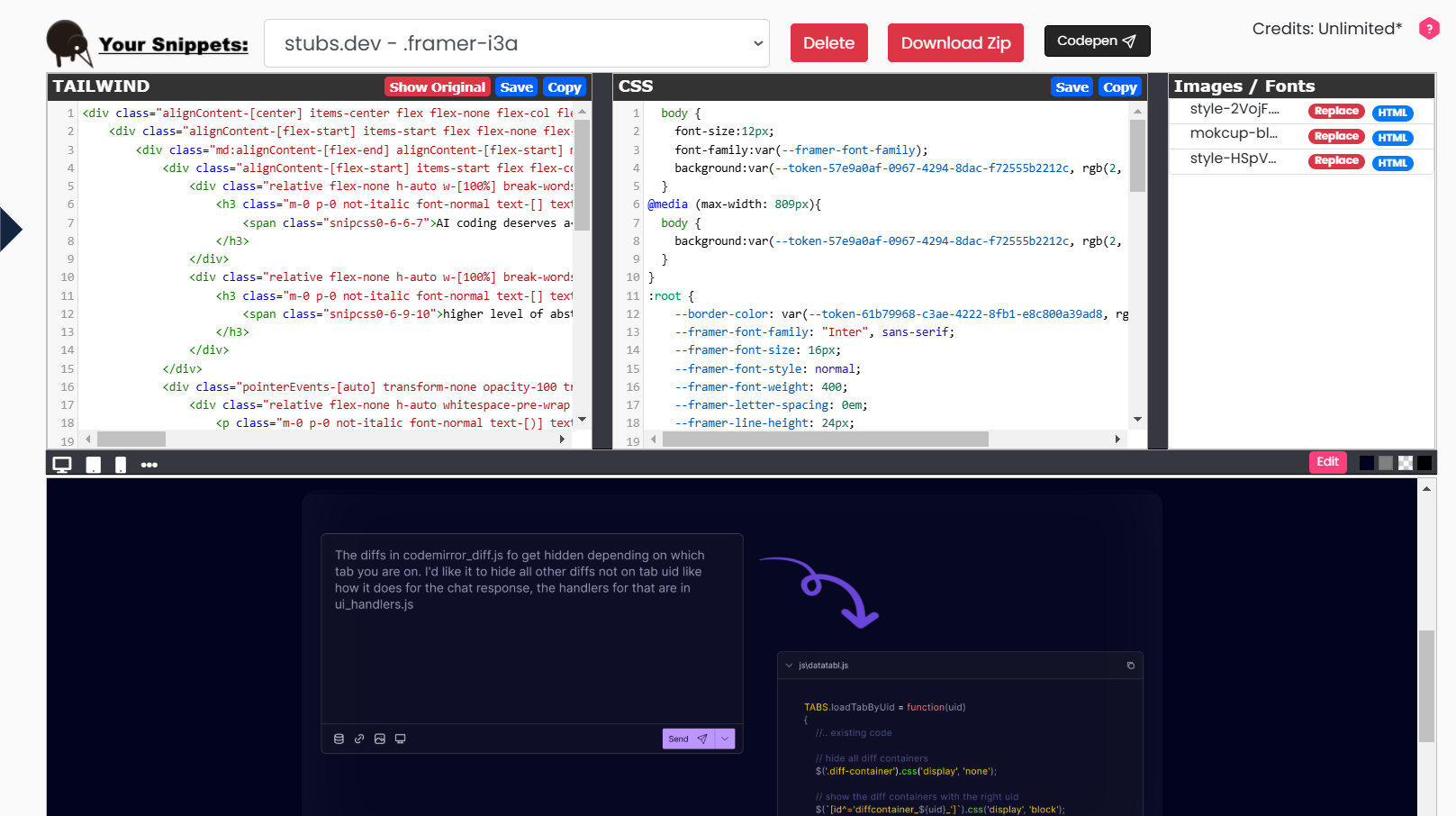
The Result Panel is where all your collected snippets are stored and managed.
Key features
- Snippet collection — access saved snippets locally and view a snippet's HTML and CSS side by side.
- Code manipulation — edit HTML and CSS directly from the panel and modify snippets to suit your project.
- Resource management — view and replace images, icons, and fonts; update styles with your preferred assets.
- Color customization — change colors in the snippet to match your design palette.
- Tailwind CSS conversion — convert your extracted code into Tailwind for seamless integration into Tailwind-based projects.
- Output preview — see real-time output below the editor, and toggle between screen resolutions to check responsive design.
- Download & export — copy the Tailwind or HTML/CSS into your favorite AI agent as reference, download the snippet as a ZIP, or export it directly to CodePen.
User workflow example
- Select a snippet

Select a saved snippet from the top corner to load its HTML, CSS, and resources in the editor.
- Customize your code
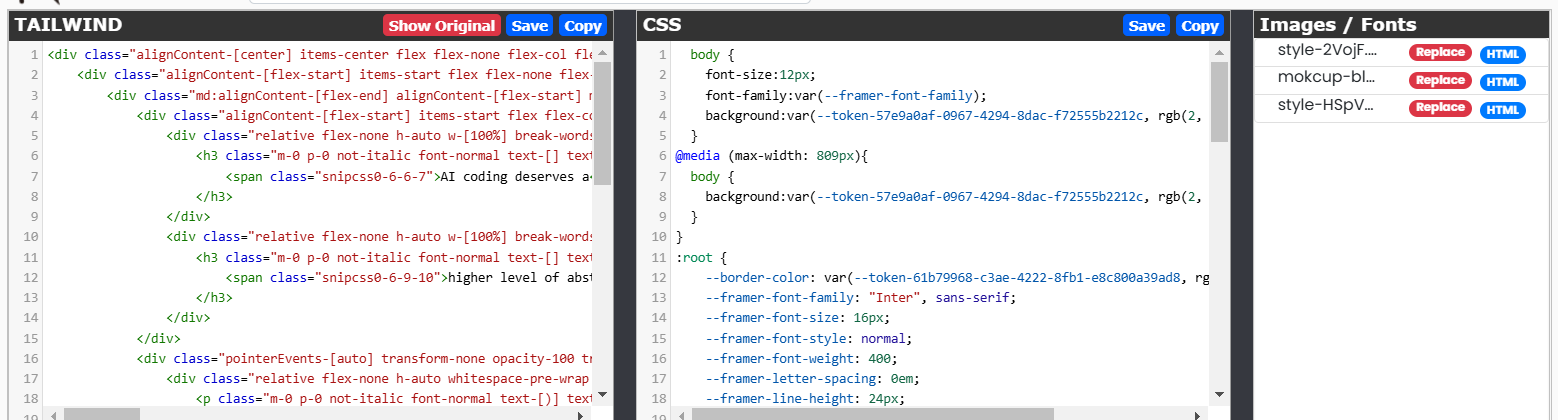
Use the HTML and CSS editor to modify your snippet. Replace fonts, images, and colors to match your design needs.
- Manage resources
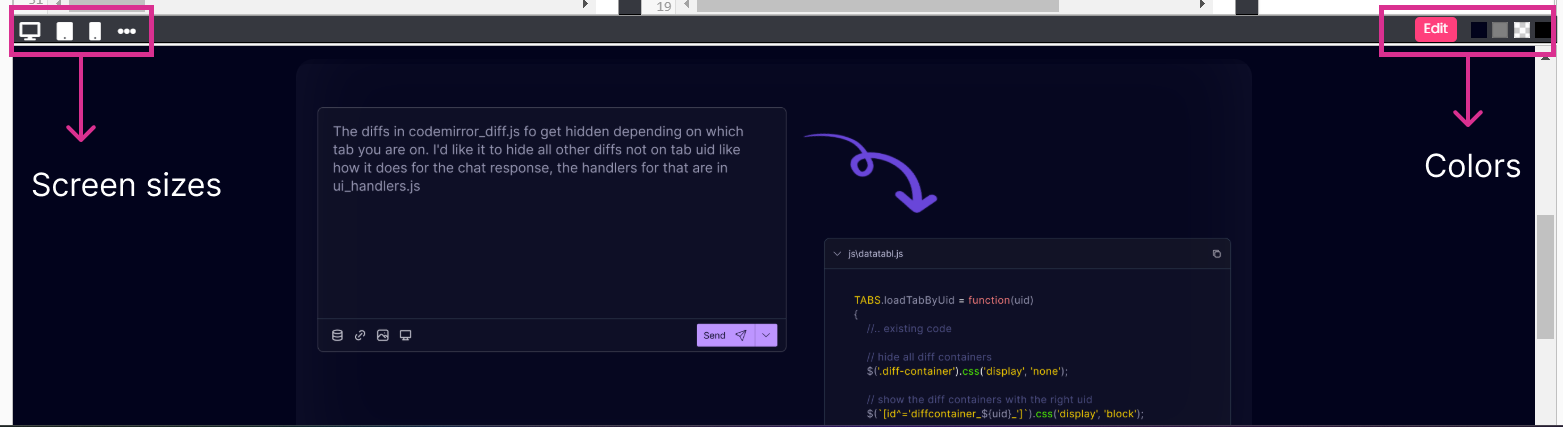
Review changes in the output section and toggle between resolutions to test responsiveness.
- Save or export

Save your updates, download the snippet as a ZIP, or export it to CodePen for additional customization.
The Result Panel is your central hub for crafting beautiful, functional snippets.